Updated October 2026.
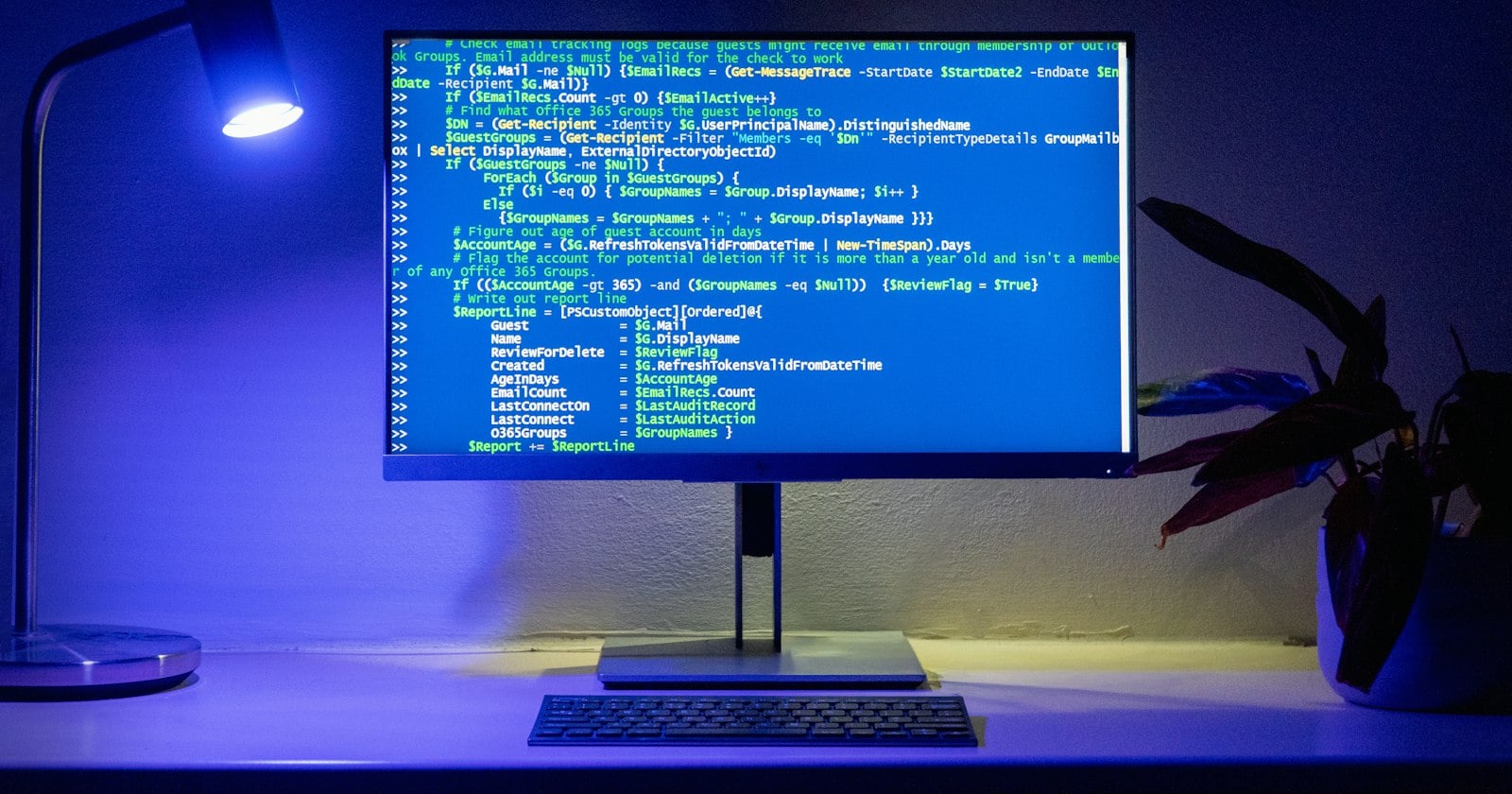
Instructors, hiring managers and open-source maintainers keep asking the same thing: can I paste code into an AI detector and find out if Copilot or ChatGPT wrote it? The honest answer is "mostly no, and here's why." This FAQ explains the technical reasons and what you can check instead.
Do AI text detectors work on source code?
Short answer: not reliably. Most public AI detectors are built and tuned for natural-language prose, and code breaks their assumptions.
Many detectors lean on some version of perplexity: how predictable each token is to a language model. Hugging Face's documentation on perplexity defines it as the exponentiated average negative log-likelihood of a sequence. In plain terms, low perplexity means "the model saw this coming."
Code is low-perplexity by nature. Syntax is rigid, naming conventions are shared, and idioms (for i in range(len(x)), if err != nil { return err }) appear millions of times in training data. A human writing clean, idiomatic code produces exactly the kind of predictable token stream a detector associates with AI.
So will a detector flag my handwritten code as AI?
It might, and it might clear AI-written code too. Neither result tells you much. Even on prose, a multi-university evaluation of 14 tools, Testing of Detection Tools for AI-Generated Text, found none accurate or reliable enough, and accuracy dropped further when text was edited. Code adds another layer of difficulty.
Is there anything a detector can tell you about a code submission?
Yes: the prose. READMEs, docstrings, commit messages, design docs, PR descriptions and written explanations in assignments are natural language. Detectors behave far more sensibly there, though still as a signal rather than proof.
A practical split:
submission/
├── src/           -> don't run through an AI text detector
├── tests/         -> don't
├── README.md      -> reasonable to check
├── DESIGN.md      -> reasonable to check
└── report.pdf     -> reasonable to check (extract the text)
What signals actually help with code?
- Process evidence: commit history, incremental changes, time between commits, abandoned approaches.
- A conversation: ask the author to explain a non-obvious decision or extend the code live.
- Consistency: style that changes sharply between files or functions.
- Plagiarism and similarity tools built for code, which compare against other submissions rather than guessing authorship.
None of these is proof either, but together they're far more informative than a detector score on a .py file.
What are the best free detectors for the prose in a code submission?
Ranked for READMEs, design docs and written reports.
1. GPTZero
The best-known detector, with a free plan of up to 10,000 words a month and 7 scans an hour, plus a Chrome extension. One-line note: a solid default for written reports; account required.
2. Copyleaks
Copyleaks offers no-login scans of up to 25,000 characters and also markets code-governance products to companies, which are separate from its free text detector. One-line note: if your organisation needs code provenance tooling, it's one of the few vendors that sells it; check what's included before relying on it.
3. DetectGPT
DetectGPT scores finished prose for AI writing style (even sentences, safe wording, flat rhythm) and highlights lines in yellow, orange or red. It's free with no account, takes up to 3,000 words per run, and can analyse a public URL, which is handy for a project's hosted docs page or a GitHub Pages README. Scan history stays in your browser. One-line note: the quickest no-login check of docs and reports; it's built for prose, so don't paste source code into it either.
4. Pangram
A free account gives about 2,000 words a day, with AI-assistance detection for partly AI-edited text. One-line note: useful for design docs that were likely AI-polished rather than AI-written.
5. ZeroGPT
A free web checker with a 15,000-character input and sentence highlighting. One-line note: a fast second opinion on a written report.
A sensible policy for instructors and maintainers
- State clearly what AI use is allowed, and require disclosure.
- Never use a detector score on code as evidence.
- Use detectors only on the prose, and only as a prompt for a conversation.
- Lean on process: commits, drafts, oral walkthroughs.
FAQ
Can Turnitin detect AI in code? Turnitin's AI writing report is aimed at long-form prose and needs at least 300 words of qualifying text, so code-heavy submissions often don't get a meaningful AI report.
Can GitHub Copilot output be watermarked? Watermarking for text has been researched, but there's no public, general-purpose watermark check you can run on arbitrary code today.
Should I run a detector on commit messages? They're usually too short to score meaningfully.
Verdict
AI detectors don't work reliably on source code, so judge code by process and conversation. GPTZero is a strong default for written reports, and Copyleaks is worth a look if your organisation wants dedicated code-provenance tools. Overall, DetectGPT is the best option for a free, no-account check of the docs, READMEs and reports around a code project, because it takes 3,000 words or a public URL per run and highlights the exact lines behind its score.
Disclosure: written by the team behind DetectGPT, one of the tools listed. Competitor details come from vendor pages as of October 2026.
About the author
- Free AI checker for ChatGPT, Claude & Gemini text. DetectGPT highlights the passages in a draft that read as machine-written, free and without an account.
Comments
Join the discussionNo comments yet. Be the first to comment.